
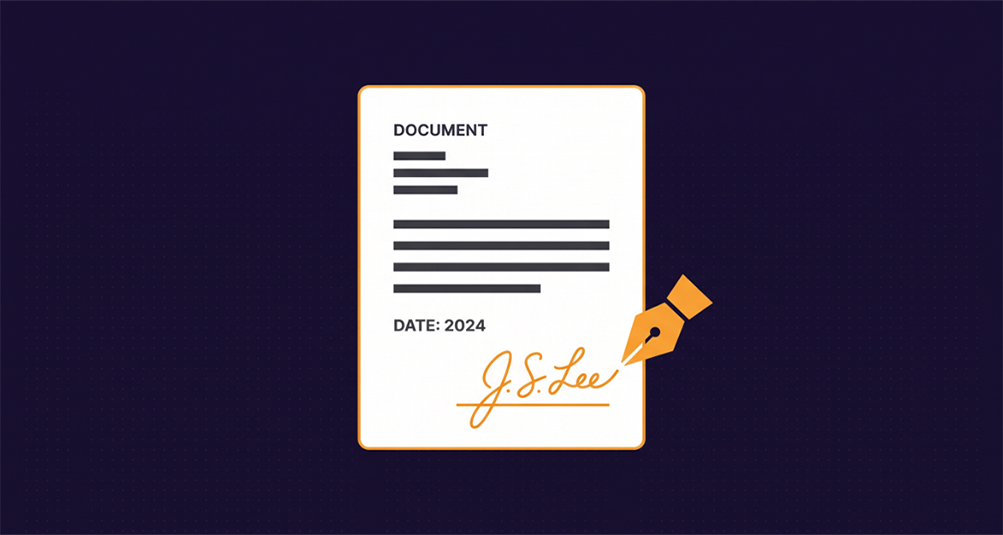
How to Sign a PDF Online
Print it, sign it, scan it, email it back. That's four steps too many for a one-page form. Here's how to add a signature to a PDF in about thirty seconds — without printing, scanning, or uploading your document anywhere.
Sign a PDF Now →The Fastest Way to Sign a PDF
Many signature platforms are built for enterprise legal teams, complete with complicated onboarding, forced document workflows, and strict monthly limits. For an everyday form — a waiver, a permission slip, a one-page contract — that's too much friction for a simple job.
A signed PDF is really just your original document with a picture of your signature placed on top of it. Our Sign a PDF tool does the heavy lifting right inside your browser: pick the file, draw your signature, drag it onto the line, and get your finished document instantly.
Sign a PDF in Four Steps
1. Open your PDF. Drop the file onto the page or click to browse. The document loads directly into your browser — it is never sent to a server, so it never sits in someone else's storage.
2. Draw your signature. Use your mouse, your trackpad, or your finger if you're on a phone or tablet. A finger on a touchscreen produces a far more natural electronic signature than a mouse does, so if the result looks stiff, try it on your phone.
3. Drag it into position. Your signature appears as a movable box over the page preview. Drag it onto the signature line and use the size slider to match the space. If the signature belongs on page 6, use the page arrows to get there first.
4. Download. The signature gets written into the page itself, so it stays exactly where you put it in any PDF reader, on any device.
Need to do more than e-sign a PDF? You can merge several PDFs into one before signing, reorder or remove pages that shouldn't be in the final document, or compress the finished file if it's too large to email.
When You Need This
Sign and return an agreement the same day it arrives, without hunting for a printer that has toner in it. The other side gets a normal signed PDF back, which is what they were expecting anyway.
The forms that always seem to be due tomorrow morning. These need a real signature rather than a typed name, and they rarely justify learning a whole document management platform for a single page.
Where a countersignature is the thing standing between a document and a payment. Sign it, send it back, and the approval chain keeps moving instead of waiting on a scanner.
Anything you'd rather not hand to a service that keeps a copy. Since the file is never uploaded, there's no stored version of the document or your signature sitting on someone else's server.
Signature Image vs Digital Signature
These two things get called the same name, and the difference matters.
A signature image is a picture of your handwriting placed on the page. It's what you get from signing on a tablet at a checkout counter, and it's what the overwhelming majority of everyday forms are asking for. That's what this tool creates when you add a signature to a PDF.
A certificate-based digital signature is different: it cryptographically binds the document to a verified identity and breaks visibly if a single byte of the file changes afterward. It requires a certificate issued by a certificate authority, and it's what you'd need for a notarized document, certain government filings, or anywhere a recipient has specifically told you they require a verifiable audit trail.
If nobody has told you that you need the second kind, you almost certainly need the first.
Is an Electronic Signature Legally Binding?
In the United States, electronic signatures are generally given the same legal effect as handwritten ones under the federal ESIGN Act and the state-level UETA, and the EU treats them similarly under eIDAS. The broad principle in these frameworks is that a signature can't be rejected simply for being electronic.
That said, the specifics depend on the document and where you are — wills, certain court filings, and some real estate and family law documents are commonly carved out, and some recipients impose their own requirements beyond what the law demands. This is general information rather than legal advice, so if the stakes are meaningful, ask the party requesting the signature what they'll accept, or talk to a lawyer.
Why Your File Never Leaves Your Browser
Everything on this page happens locally. Your PDF is read into memory on your own machine, the signature is written into it there, and the finished file is handed straight to your downloads folder. Nothing is transmitted, so there's no copy on a server to be retained, breached, or scanned.
For a permission slip that hardly matters. For a document carrying your address, your salary, or your signature, it matters quite a lot — and your signature is exactly the kind of thing worth not scattering across other people's servers.
Frequently Asked Questions
Do I need complex software to sign a PDF?
No. You can open a document, draw your signature, and download the signed file right from your web browser.
What does it cost to sign a PDF?
Signing uses one credit. A free account comes with two credits so you can sign a document and see the result before deciding whether to buy more.
Is my document uploaded to a server?
No. The PDF is opened and modified entirely in your browser. It is never transmitted, so no copy of it exists anywhere except on your own device.
Can I sign a PDF on my phone?
Yes, and it usually produces a better result. Drawing your signature with a finger on a touchscreen looks far more natural than drawing it with a mouse.
Can I sign more than one page?
Each pass places your signature on the page shown in the preview. To sign a second page, run the signed file through the tool again and place a signature on that page.
Will the signature move or disappear when someone else opens the file?
No. The signature is written into the page content itself rather than added as a comment or annotation, so it appears in the same position in any PDF reader.
Why won't my PDF open?
The most common cause is password protection, which prevents the file from being read in the browser. Open it in your usual PDF reader, remove the password, save a copy, and sign that.
No printer, no scanner, no complex software. Draw it, place it, download it.
Sign a PDF Now →