
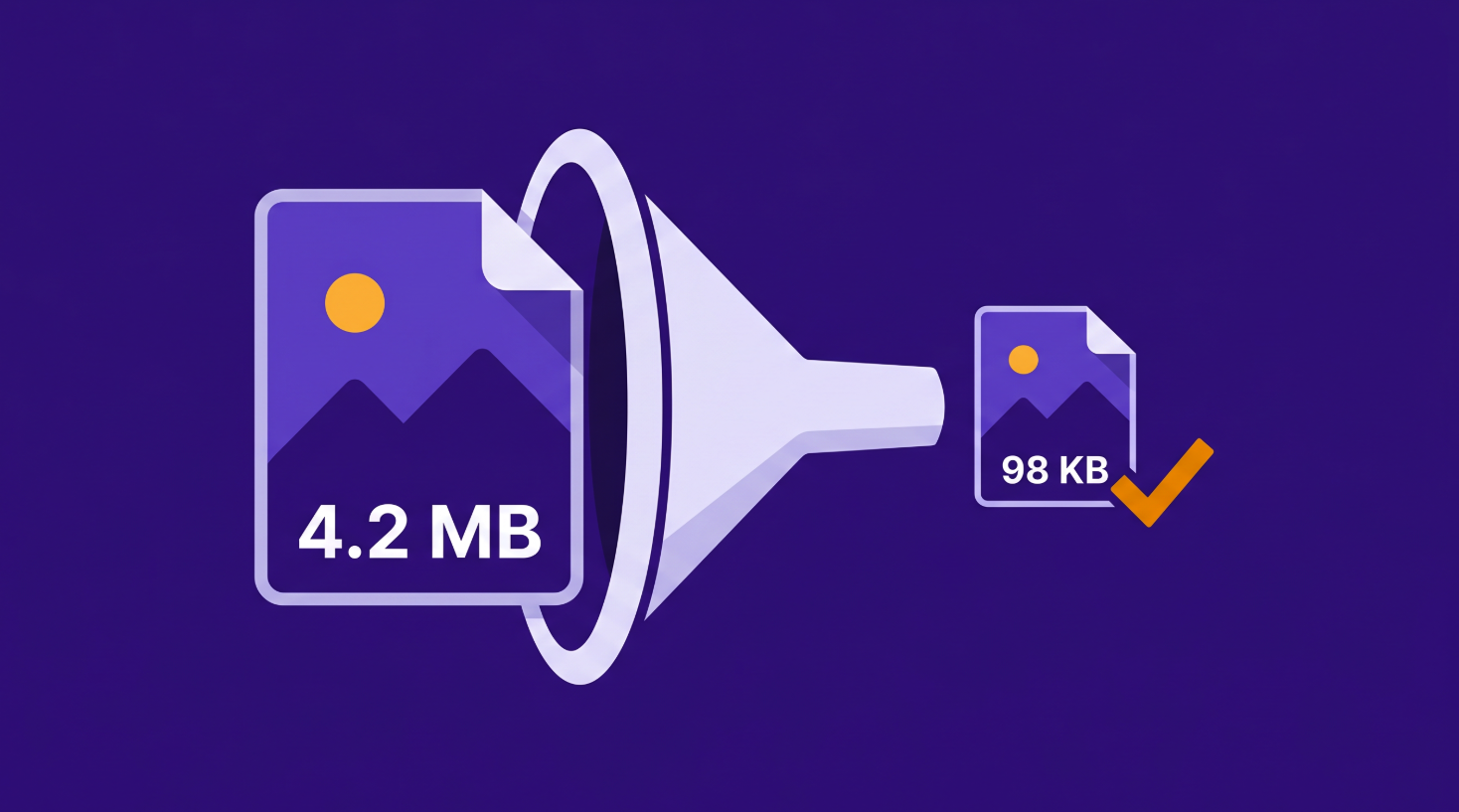
Compress Your Image to an Exact File Size
Upload form rejecting your photo? Most government portals, job applications, and visa forms enforce strict file size limits — and they won't tell you how to fix it. Our browser-based tool compresses your image to the exact kilobyte size you need, without uploading your files to any server.
Compress Your Image Now →Which File Size Do You Need?
Different platforms enforce different limits. Here's what each common target means in practice, and what to expect when compressing to it.
20KB – 50KB
The tightest limits you'll encounter. Common on Indian government job portals (SSC, UPSC, railway recruitment), some university admission forms, and exam registration systems. At this size, expect visible quality loss on detailed photos — simple headshots and document scans handle it best. High-resolution landscape photos will lose noticeable sharpness. If your form gives you a range like "20KB to 50KB," always target the top end for the best quality.
100KB
The single most common upload limit on the internet. Passport applications, visa forms, bank KYC portals, college admissions, and government hiring platforms worldwide default to 100KB. A typical smartphone photo (3–5MB) compresses to 100KB with surprisingly little visible loss if it's a portrait or headshot. Detailed photos with lots of texture — foliage, fabric, crowds — will show more softening. JPG handles this target much better than PNG.
200KB
A more forgiving limit that appears on professional licensing boards, insurance claim portals, and some HR onboarding systems. At 200KB you retain noticeably better quality than at 100KB — most photos look sharp and clean at this size. This is also the sweet spot for email attachments where you want the image to look good without bloating the message.
500KB
Common for WordPress featured images, Shopify product photos, and CMS uploads where the platform needs fast page loads but still wants decent image quality. At 500KB, even high-resolution photos retain strong detail. If your use case is web performance rather than a form upload, 500KB is usually the right target — small enough to load fast, large enough to look good on retina screens.
What Affects How Small Your Image Can Get
Not every image compresses the same way. Three things determine whether your photo hits the target cleanly or comes out looking rough.
Image type matters most. A simple headshot against a plain background compresses dramatically — the algorithm has large areas of similar color to work with. A busy photo with lots of texture, color variation, and fine detail (a crowded market, a dense forest, a fabric pattern) resists compression and loses quality faster.
Format makes a real difference. JPG compresses much smaller than PNG at any given quality level because JPG uses lossy compression — it strategically discards information your eye is unlikely to notice. PNG is lossless, which preserves every pixel but produces much larger files. If your upload form accepts JPG, always compress as JPG. If it requires PNG, expect larger files or lower quality at the same size target.
Starting resolution sets the floor. A 12-megapixel smartphone photo has far more data to compress than a 2-megapixel screenshot. If your image is already small, compressing it further means cutting quality from an already-tight budget. When possible, start from the highest-resolution original you have — it gives the compression algorithm more room to work with.
Your Files Never Leave Your Device
Most online compression tools upload your photo to a remote server, process it there, and send it back. That means a copy of your passport photo, ID scan, or personal document sits on someone else's server — at least temporarily.
Web Tools Better works differently. Compression happens entirely in JavaScript inside your browser. Your files never leave your device, never touch our servers, and are never stored anywhere. When you close the tab, the processing is gone. This is especially important when the images you're compressing are identity documents, medical records, or anything else you wouldn't email to a stranger.
Ready to compress? Upload up to 20 images and hit your exact file size target.
Compress Your Image Now →