
Split a PDF — Extract Pages or Break It Into Separate Files
Got a 40-page PDF and only need pages 3–7? Or need to break a document into separate files by section? Our browser-based tool splits PDFs by page range — each group becomes its own file — without uploading anything to a server.
Split Your PDF Now →When You Need to Split
Splitting a PDF is one of those tasks that comes up constantly — and most people don't have a tool ready when it does. Here's where it matters most.
A client asks for "just the pricing section" from a 30-page proposal. You don't want to send the whole thing — internal notes, competing quotes, and irrelevant appendices are in there too. Split out pages 12–15 and send only what they need, as a clean standalone PDF.
Some upload portals cap file size or page count. A 50-page scanned document might be 25MB — too large for the portal's 10MB limit. Split it into two or three parts, upload each one, and you're through. Faster and more reliable than trying to compress a scan-heavy PDF down to size.
You signed a 40-page agreement and the other party needs just the executed signature page for their records. Split out that single page and send it — no one needs to scroll through 39 pages of boilerplate to find your signature at the bottom.
You scanned a stack of receipts into one PDF, but your accountant wants each receipt as a separate file. Split every page into its own PDF and hand them over organized — one receipt per file, no confusion about which is which.
How the Splitting Works
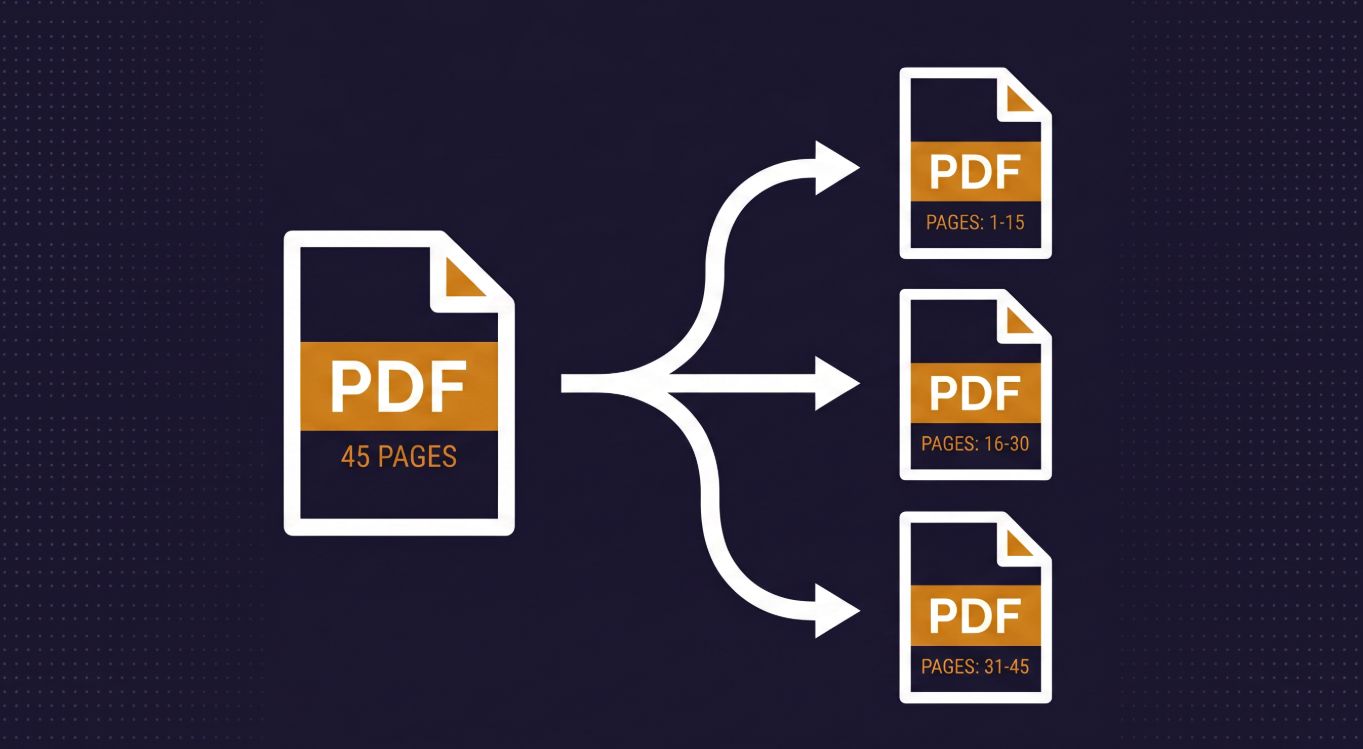
Each comma-separated group becomes its own PDF. Enter 1-3, 4-5, 6 and you get three files: one with pages 1–3, one with pages 4–5, and one with page 6. A single group like 2-4 produces one PDF with just those pages. Want every page as its own file? Use the "Every page as its own PDF" mode and the tool splits the entire document automatically.
Pages come out exactly as they are. Each page retains its original formatting, images, text, and dimensions. Nothing is re-rendered, recompressed, or altered. What you see in the original PDF is what you get in the split output.
Multiple files download as a zip. When you split into two or
more PDFs, the tool packages them into a single zip file for download. Each PDF
inside is named with the page range it contains — so
contract_pages_1-3.pdf and contract_pages_4-5.pdf are
easy to identify without opening them.
Your Files Never Leave Your Device
The documents people need to split are often confidential — contracts with pricing terms, legal filings, medical records, tax documents, signed agreements. Most online split tools upload your file to a remote server, process it there, and send the results back. Your document sits on someone else's infrastructure, at least temporarily.
Web Tools Better works differently. The split happens entirely in your browser using pdf-lib. Your files never leave your device, never touch our servers, and are never stored anywhere. When you close the tab, the processing is gone. No account required to try it — and no trust required either, because your documents never leave your hands.
Ready to split? Drop your PDF, enter the page ranges, and download in seconds.
Split Your PDF Now →