
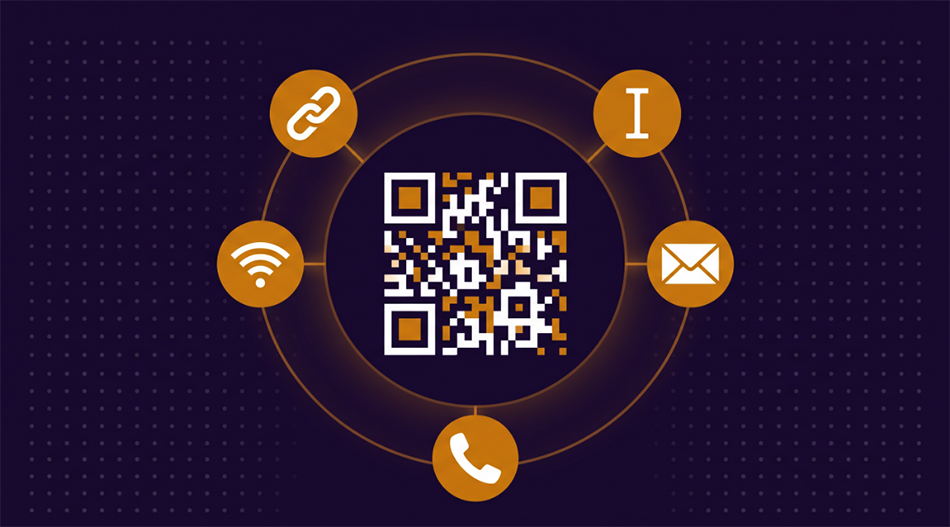
Create Static QR Codes — Instantly, Privately
Generate a QR code for any URL, text message, email address, phone number, or WiFi network. Download as a high-resolution PNG ready for print or screen. Your data never leaves your browser.
Create a QR Code Now →Static vs Dynamic QR Codes
There are two kinds of QR codes, and the difference matters more than most people realize.
Static QR codes encode data directly into the code itself. The URL, phone number, or WiFi credentials are baked into the pattern of black and white modules. No server is involved — when someone scans the code, their phone reads the data straight from the image. This means static codes work forever, can't be tracked, and don't depend on any service staying online. The tradeoff is that once you print a static code, you can't change what it points to.
Dynamic QR codes don't contain your actual data. Instead, they encode a short redirect URL that points to a server. That server then forwards the scanner to your real destination. This lets you change the destination after printing, track scan counts, and collect analytics — but it also means the code stops working if the redirect service shuts down, changes pricing, or goes offline. Every scan passes through a third party.
Our tool generates static QR codes. Your data goes directly into the code, no middleman, no tracking, no expiration. For most use cases — business cards, flyers, menus, WiFi sharing, event materials — static is the right choice.
What You Can Encode
The most common QR code use case. Put your website, a specific landing page, or a Google Maps link on a flyer, poster, or business card. People scan instead of typing a long URL, and you get more traffic from print materials.
Encode your network name, password, and security type into a QR code. Guests scan it and connect instantly — no spelling out a 20-character password. Print it on a card near the router, frame it on a wall, or include it in a welcome packet.
A phone QR code opens the dialer with your number pre-filled. An email QR code opens a compose window with the address (and optionally the subject) already set. One scan instead of manually entering contact information.
Any short text can be a QR code — a product serial number on packaging, a short instruction on equipment, or a message on an event badge. The scanner displays the text directly, no internet connection needed.
Tips for Printing QR Codes
Size matters. A QR code should be at least 2 cm (0.8 inches) wide for close-range scanning like business cards and menus. For posters or signage scanned from a distance, scale up — a general rule is 1 cm of QR code width for every 10 cm of scanning distance.
Keep the quiet zone. The white border around a QR code isn't decoration — it's required. Scanners use it to find where the code starts. Don't crop it off or place other design elements right against the edge of the code.
High contrast works best. Black on white is the most reliable combination. Dark modules on a light background scan well. Light modules on a dark background, or low-contrast color combinations, can cause scanning failures — especially in poor lighting.
Test before printing. Always scan the downloaded QR code with your phone before sending it to print. A typo in a URL or a missing password character is easy to fix on screen, expensive to fix after 500 flyers are printed.
Frequently Asked Questions
Do static QR codes expire?
No. Static QR codes work forever because the data is embedded directly in the image. There's no server involved, no subscription, and no expiration date. As long as the printed code is intact and scannable, it works.
Can I change what a static QR code points to after printing?
No — that's the one limitation of static codes. The data is baked into the pattern itself. If you need to change the destination, you'll need to generate and print a new code. If you think the URL might change, consider using a short link that you control as the encoded URL.
How much data can a QR code hold?
Up to about 2,000 characters for text, or roughly 4,000 digits for numbers. In practice, shorter data produces simpler codes that scan more reliably. A URL under 100 characters is ideal. Very long text creates dense codes that need to be printed larger.
Is my data stored anywhere?
No. The QR code is generated entirely in your browser. Your URL, password, phone number, or text never leaves your device and is never sent to any server.
Will WiFi QR codes work on both iPhone and Android?
Yes. Both iOS (11 and later) and Android support scanning WiFi QR codes with the built-in camera app. The phone reads the network name, password, and security type from the code and connects automatically.
Can I put a logo in the center of the QR code?
Our tool generates clean QR codes without logos. QR codes have built-in error correction that lets them still scan when part of the code is obscured, which is why logo overlays can work — but they reduce reliability, especially at small print sizes. For maximum scan success, a clean code is best.
Ready to create your QR code? Pick a type, enter your data, and download in seconds.
Create a QR Code Now →