
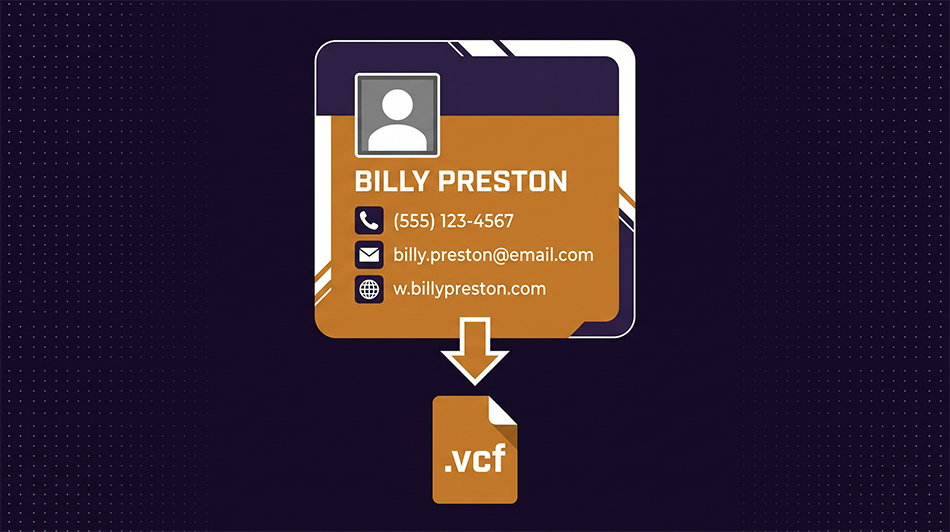
Create a VCF Contact Card with Photo
Build a .vcf file with name, phone, email, company, address, and a photo — then share it via email, text, or QR code. The recipient taps once and your contact info is saved to their phone. No app required.
Create a Contact Card Now →What Is a VCF File?
A VCF (Virtual Contact File) is the universal format for sharing contact information
between devices. It's a small text file with a .vcf extension that every
phone, email client, and address book can import — iPhone, Android, Outlook, Gmail,
Apple Contacts, and more. When someone opens a .vcf file, their device offers to save
it as a new contact with all the fields pre-filled, including the photo.
You've probably received one before without knowing what it was. When someone texts you their contact card, or when a business emails you a "Save to contacts" attachment — that's a VCF file.
When You Need This
Create a VCF with your name, title, company, phone, email, and headshot. Send it via text or email after meeting someone — they tap once and you're saved to their contacts with your photo. No paper cards to lose, no manual typing to get wrong.
HR or admin can create VCF files for each team member and distribute them in a welcome packet or internal directory. New hires get the whole team in their contacts in minutes instead of accumulating numbers over weeks.
Host your VCF file at a URL and encode that URL into a QR code. Print the QR code on a business card, a conference badge, or a poster — people scan it, and your full contact info (with photo) saves to their phone instantly.
Add a "Save my contact" button on your website that downloads your VCF file. It's one click from your contact page to someone's address book — with your photo, all your numbers, and your website URL pre-filled.
Why Include a Photo?
A contact card without a photo gets lost in a list of names. A contact card with a photo stands out — when the person scrolls through their contacts or gets a call from you, they see your face and remember who you are. It's a small detail that makes a real difference, especially after meeting someone briefly at an event.
The tool center-crops your image to a square and resizes it to 300×300 pixels, which is the sweet spot: sharp enough to look good on any phone screen, small enough to keep the file compact for texting and emailing. HEIC photos from iPhones are converted automatically.
What Works in a VCF
The vCard 3.0 format our tool uses is the most widely supported version. It handles first and last name, organization and job title, mobile and work phone numbers, email, website URL, a full mailing address, and a JPEG photo. Every major platform reads all of these fields correctly — iPhone, Android, Outlook, Gmail, and Apple Contacts.
Frequently Asked Questions
Does it work on both iPhone and Android?
Yes. Both platforms have built-in support for VCF files. When someone opens the file — whether from a text, email, or download — their phone offers to create a new contact with all the fields pre-filled, including the photo.
How do I share the VCF file?
The most common ways: attach it to an email, send it via text/iMessage, host it on a website as a download link, or encode the download URL into a QR code. All of these work because the file is small (usually under 100 KB, even with a photo).
Can I include multiple phone numbers?
Yes — the tool supports both a mobile number and a work number. Each is tagged with its type so the recipient's phone labels them correctly.
What photo format should I use?
Any common format works — JPG, PNG, WebP, or HEIC (iPhone photos). The tool converts everything to a compressed JPEG at 300×300 pixels, so your starting format doesn't matter.
Is my data stored anywhere?
No. The contact card is built entirely in your browser. Your name, phone number, email, and photo never leave your device and are never sent to any server.
What's the difference between VCF and vCard?
They're the same thing. vCard is the format name, VCF is the file extension. A file called "jane-smith.vcf" is a vCard file. The terms are interchangeable.
Ready to create your contact card? Fill in your details and download in seconds.
Create a Contact Card Now →