
LightBurn's DXF Join Tolerance Is 0.01mm — We Measured It
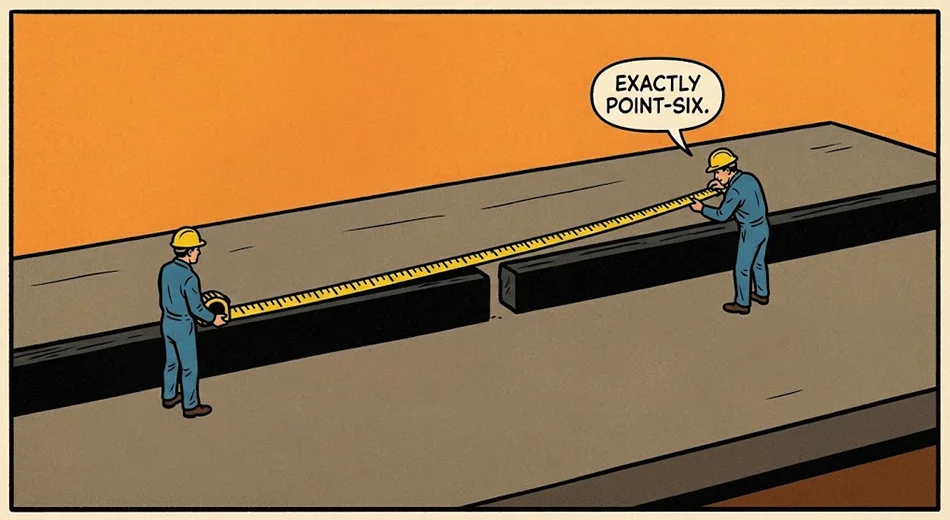
LightBurn joins DXF line segments on import when their endpoints are 0.01 mm apart or closer. Wider than that and the shape arrives in pieces. There is no dialog either way.
That number is not in the documentation. We measured it.
Why This Matters
The usual complaint about a converted DXF is that it imports as thousands of disconnected line segments, and that Auto-Join won't stitch them. The usual advice is that Auto-Join is unreliable.
Auto-Join is not unreliable. It has a tolerance, the tolerance is narrow, and most exports miss it.
Test 1 — Four Loose Lines
We built a 50 mm square as four separate LINE entities, unconnected, with no HEADER section and no $INSUNITS flag. Endpoints exactly coincident.
LightBurn Core 2.1.04 imported it in one millisecond, silently, as one object, 50.000 × 50.000 mm. No prompt about units. No warning about the missing header. The status bar reported a successful import.
So the first assumption is wrong. Loose LINE entities are not the problem by themselves. LightBurn stitches them.
Test 2 — Where It Stops Stitching
We built a 50 mm circle as 120 straight segments and deliberately pushed every seventh endpoint away from the next one, then walked the gap size up and down until it broke.
Endpoint gapResult on import0.0057 mmOne object — 50.000 × 50.0000.0071 mmOne object0.0085 mmOne object0.0099 mmOne object0.0113 mmBroken — ~17 separate arcs0.014 mmBroken0.071 mmBroken0.21 mmBroken
The boundary sits between 0.0099 mm and 0.0113 mm. That is 0.01 mm, which is a sensible round tolerance for a program to use.
At 0.0113 mm the circle still looks perfect on screen. You cannot see an eleven-micron gap at any zoom level you would normally work at. Click it and the selection box reports 2.1 × 8.9 mm instead of 50 × 50, because you have selected one arc fragment out of seventeen.
What This Changes
Three things follow from it.
- Auto-Join is not broken. If it won't stitch your file, the endpoints are more than 0.01 mm apart. That is a property of the export, not a bug in LightBurn.
- The file looks fine until it cuts. Nothing in the interface flags a scattered import. No dialog, no colour change, no warning in the status bar. You find out when the laser lifts and travels between every segment.
- Decimal precision in the export is the real variable. A converter that writes six decimal places lands inside the tolerance. One that writes two decimal places on a curve does not.
How to Check a File in Five Seconds
Import it and click once on any curve.
If the Width and Height boxes at the top of the window show the size of the whole shape, it came in joined. If they show a few millimetres, you are holding one fragment and the shape is in pieces. That check is faster than opening Auto-Join and hoping.
The Fix Is Upstream
Stitching a scattered file back together is the wrong place to solve this. The segments should never have been separated.
Our converter writes each path in your SVG as one continuous POLYLINE entity rather than a series of individual lines, so there is nothing for Auto-Join to do. True circles are written as real CIRCLE entities, and $INSUNITS is set from the units you pick. It runs entirely in your browser — the design is never uploaded.
Test Conditions
LightBurn Core 2.1.04 on macOS. R12 DXF files generated by script, 120 segments per circle, 25 mm radius, gaps applied to every seventh vertex. Object count read from the status bar and confirmed against the Width and Height fields on a single click. Every import completed in one to two milliseconds with no dialog at any gap size.
Keep going
- SVG to DXF Converter — one chained polyline per path, correct unit flags, layers preserved
- Why Your SVG Imports at the Wrong Size in LightBurn — the other silent import failure, and what causes it