
Stop Doing Things the Hard Way: The Hidden Cost of the Frankenstein Workflow
It usually starts with a simple request: "Can you email over that deck and the new team photos?"
It should take three minutes. But the photos are from an iPhone, so they're stuck in HEIC format. You need them as JPGs. The images are also massive, so they need to be resized. And the PDF deck is 35MB, meaning Gmail will flat-out reject it.
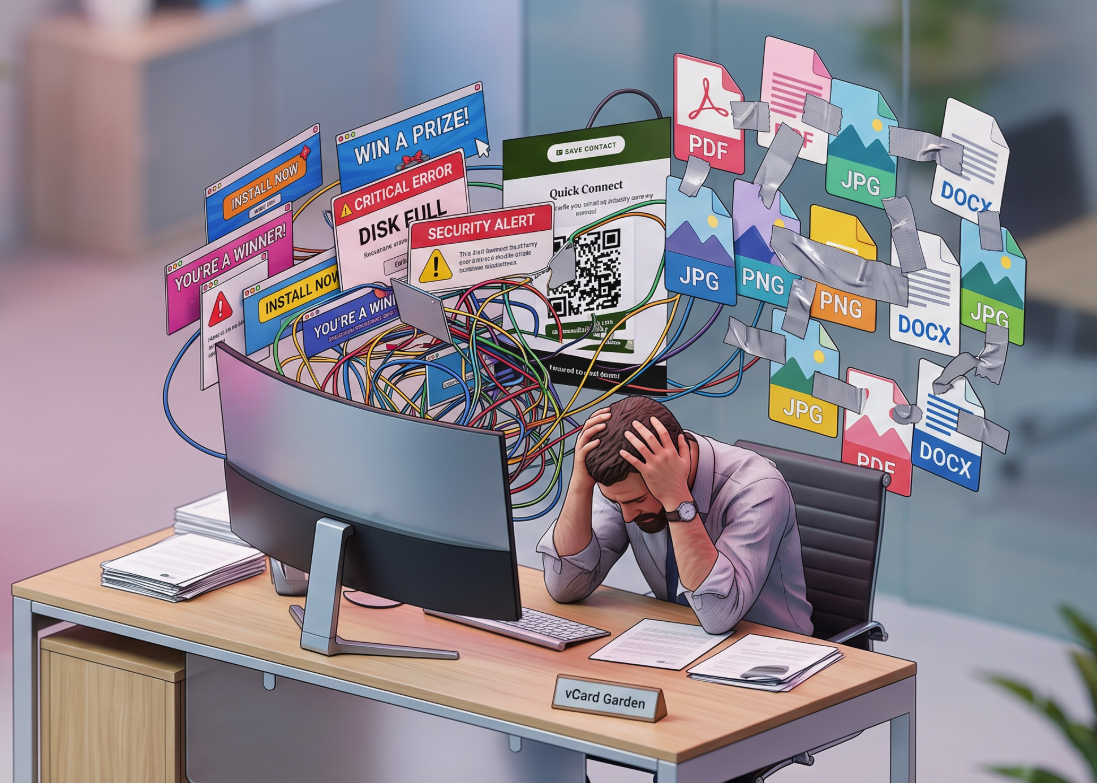
Suddenly, your browser looks like a crime scene. You have one tab open for a sketchy HEIC converter, another for a photo resizer that's 90% banner ads, and a third for a PDF compressor that waits until you click "Download" to reveal it slapped a giant watermark across your title slide. You're downloading, re-uploading, dodging fake "Start Here" buttons, and praying you don't accidentally download malware.
Welcome to the Frankenstein workflow. It's the duct-taped, chaotic process of bouncing between random, ad-funded web tools just to get your files ready to send. And if you're doing this multiple times a week, it's quietly killing your productivity.
The Anatomy of the Frankenstein Workflow
The pattern is always the same. You Google something like "compress PDF online free" and click the first result. The page takes five seconds to load because it's serving sixteen ad scripts. You upload your file, wait for it to process, and then something goes wrong. The tool caps free use at one file. Or the output quality is garbage. Or the download button is actually an ad for a VPN you didn't ask for.
So you go back to Google and try the next one. Rinse, repeat. What should have been a three-minute task has eaten twenty minutes and your patience.
The same tools that cause these problems fall into a few familiar categories.
The Fake Download Button
You've seen it. The page has three buttons that say "Download," and two of them are ads. The real one is tiny, gray, and hiding below the fold. These sites are designed to generate ad revenue first and help you second. Every misleading click is money in someone's pocket. Your time is the product being sold.
The Bait-and-Switch Watermark
This one stings because you don't find out until the end. You upload your PDF, wait for it to compress, download the result, open it — and there's a semi-transparent logo plastered across every page. The tool worked perfectly. It just didn't tell you that "free" means "free with our branding on your client's pitch deck." Removing the watermark costs $9.99 per month. For compressing a file.
The Format Choke
You need to convert a batch of iPhone photos from HEIC to JPG. The tool's landing page says it handles HEIC. You upload your files, hit convert, and nothing happens. Or it processes one file and tells you the rest require a premium account. Or it silently outputs corrupted files because its HEIC decoder can't handle Apple's latest format variation. You won't know until you open the photos and find half of them are blank.
The Hidden Costs of Doing Things the Hard Way
The Frankenstein workflow doesn't just waste time. It introduces friction into everything it touches.
Context Switching
Every time you jump from one tool to another, you're not just switching tabs — you're learning a new interface. Different upload buttons, different settings panels, different output options. One tool calls it "quality," another calls it "compression level," and a third uses a slider with no labels. Your brain has to recalibrate for each one, and that cognitive overhead adds up fast. Studies on task switching consistently show that even small context changes can cost several minutes of refocusing. Multiply that by the number of times you prep files in a week, and you're looking at hours of lost productivity you never consciously noticed.
The Downloads Folder Graveyard
After a few rounds of the Frankenstein workflow, your Downloads folder tells the whole story: team-photo.HEIC, team-photo.jpg, team-photo-resized.jpg, team-photo-resized-compressed.jpg, team-photo-resized-compressed(1).jpg. Five files for one image, created by three different tools, and you're not entirely sure which one is the final version. Now multiply that by every file you've processed this month. The clutter isn't just annoying — it creates real risk. Send the wrong version to a client and you look careless. Delete the wrong one and you have to start over.
The Privacy Gamble
Here's the part most people don't think about. When you upload a file to a random free tool, that file sits on someone else's server. Maybe temporarily, maybe not. The privacy policy — if there is one — probably says they can "process and store your content to provide the service." For a vacation photo, that's not a big deal. For a client's financial deck, an employee's ID scan, or a signed contract, it's a real liability. You're trusting a website you found thirty seconds ago with documents you'd never email to a stranger.
How to Clean Up Your Workflow
The fix isn't about finding a slightly better free tool. It's about consolidation — having one place that handles the file prep tasks you actually do, without the ads, watermarks, and upload roulette.
That's why we built Web Tools Better. It's a single hub for the image and PDF tasks that eat up your day: converting HEIC to JPG, resizing images, compressing images to exact file sizes, and shrinking PDFs — all in one place, with no ads and no watermarks.
Batch Processing
Most free tools make you process files one at a time. Upload, wait, download, repeat. With Web Tools Better, you can drop up to 20 images at once. Resize a whole folder of team headshots in one pass. Convert an entire phone dump from HEIC to JPG without clicking "upload" twenty times. The output downloads as a single zip file — organized, done, and out of your way.
Everything in One Place
Need to convert an iPhone photo to JPG, resize it to specific dimensions, and then compress it under 100KB for an upload form? That's three tabs in the Frankenstein workflow. Here, it's one tool. You convert, resize, and compress without leaving the site, without re-uploading between steps, and without learning three different interfaces.
No Ads, No Watermarks
There are no banner ads. No pop-ups. No fake download buttons. No watermarks on your output. The tools do exactly what they say, and the output is clean. Your compressed PDF looks like your PDF, not like a billboard for the tool that compressed it.
Your Files Never Leave Your Device
This is the part that actually matters for anyone handling sensitive documents. Every tool on Web Tools Better runs entirely in your browser using JavaScript. Your files are never uploaded to a server. They're processed locally on your device, and when you close the tab, the processing is gone. No server logs, no temporary storage, no privacy policy to decode. If you're compressing a client deck or converting photos of personal documents, your files stay in your hands the entire time.
Stop Searching. Start Finishing.
The Frankenstein workflow survives because people assume there's no better option. There is. It just doesn't need to shout over sixteen ad banners to get your attention.
Sign up free and get 2 credits to test the tools yourself. No card required. Convert a few HEIC photos, compress a PDF, resize some images — and see what it feels like when your file prep just works.